01
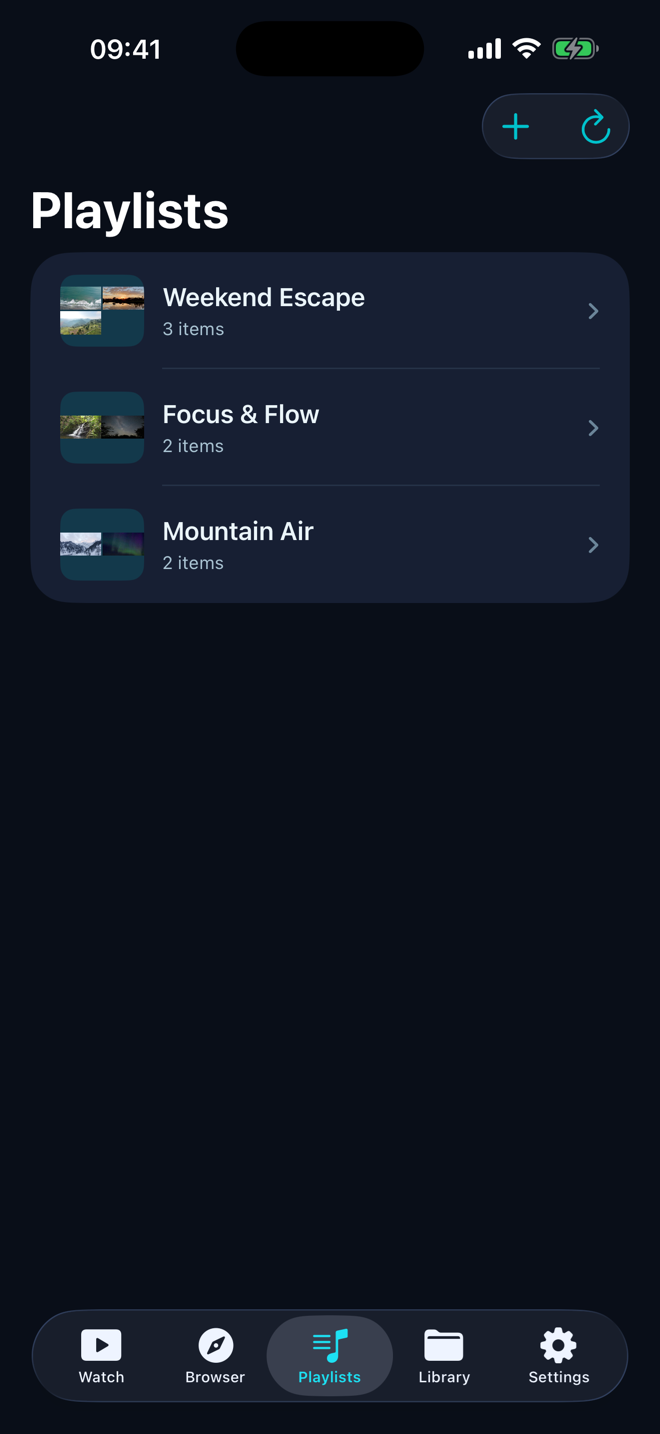
Playlists that mix video and music
Create, reorder, shuffle, and repeat collections from across your library. Artwork mosaics make each playlist recognizable at a glance.
 Video +View on the App Store
 A personal media player for iPhone and iPad
Play local video and music, connect cloud drives and file servers, or continue from the web—with Picture in Picture, background audio, subtitles, playlists, and six complete themes.
Local-first library · Clear privacy controls
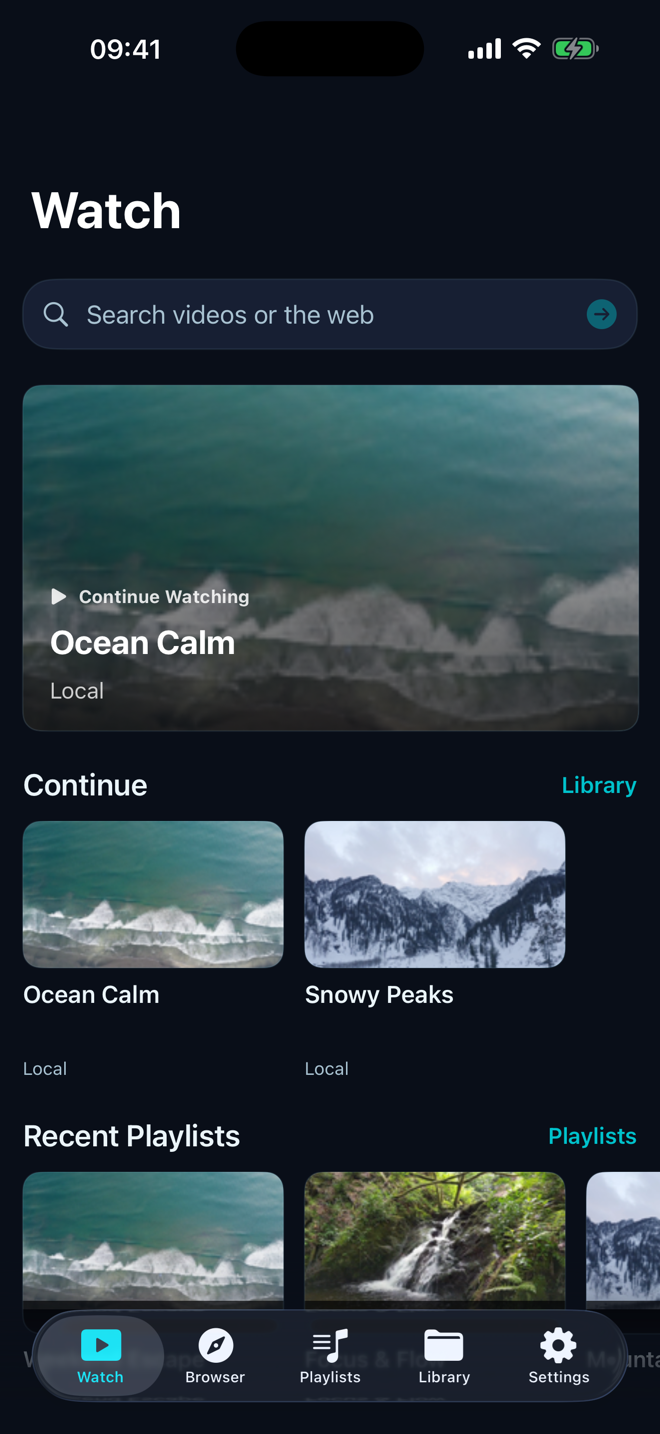
Local files, connected storage, and the web—without pretending they are the same.
A purpose-built video and music player handles the files ordinary players leave behind. The controls you reach for—queue, repeat, shuffle, sleep timer, playback speed, subtitles, and Picture in Picture—stay in one deliberate interface.
MP4 · MOV · M4V · MKV · AVI · WebM · 3GP · OGV
MP3 · M4A · AAC · WAV · FLAC · OGG · Opus
SRT · VTT
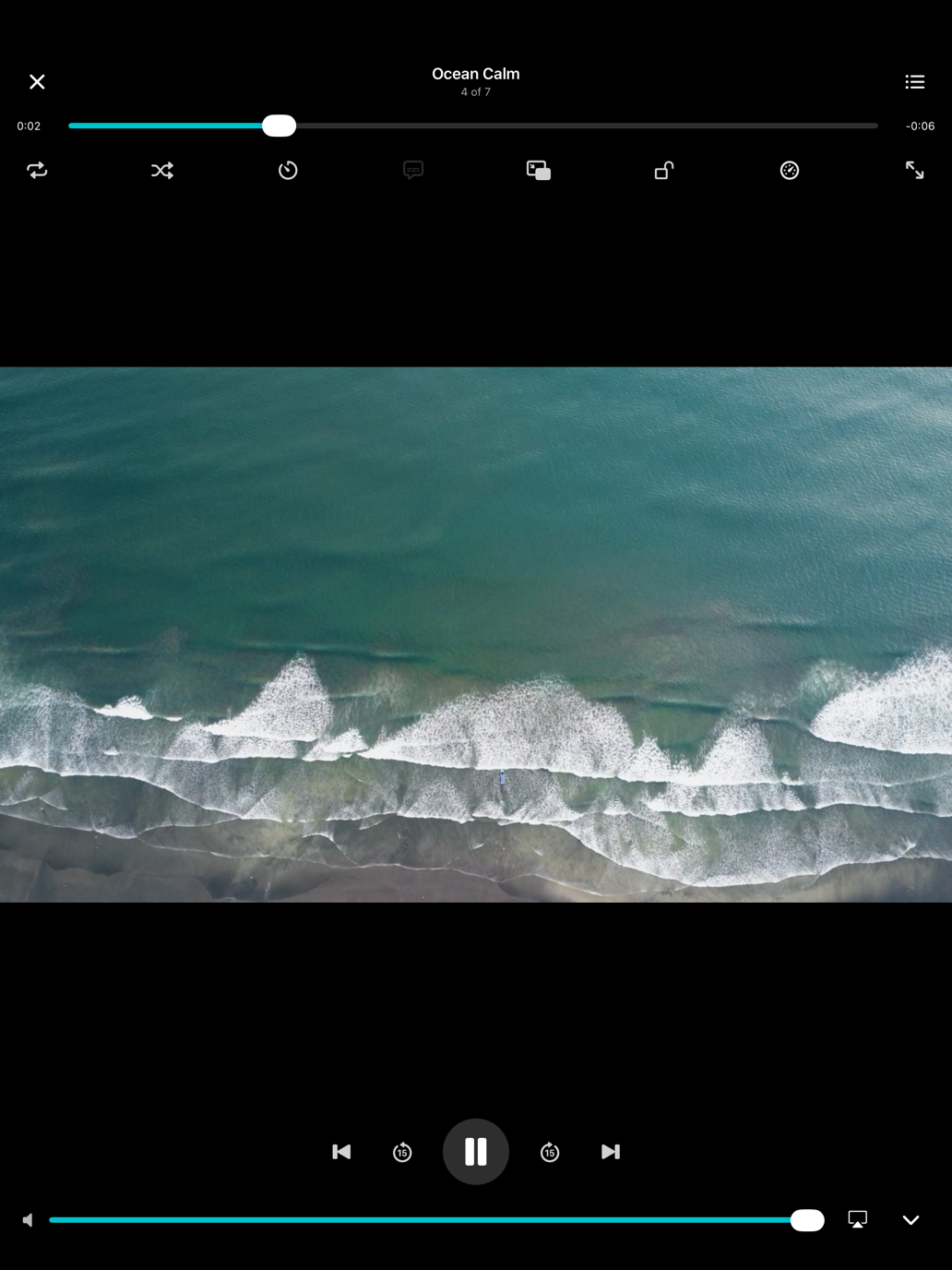
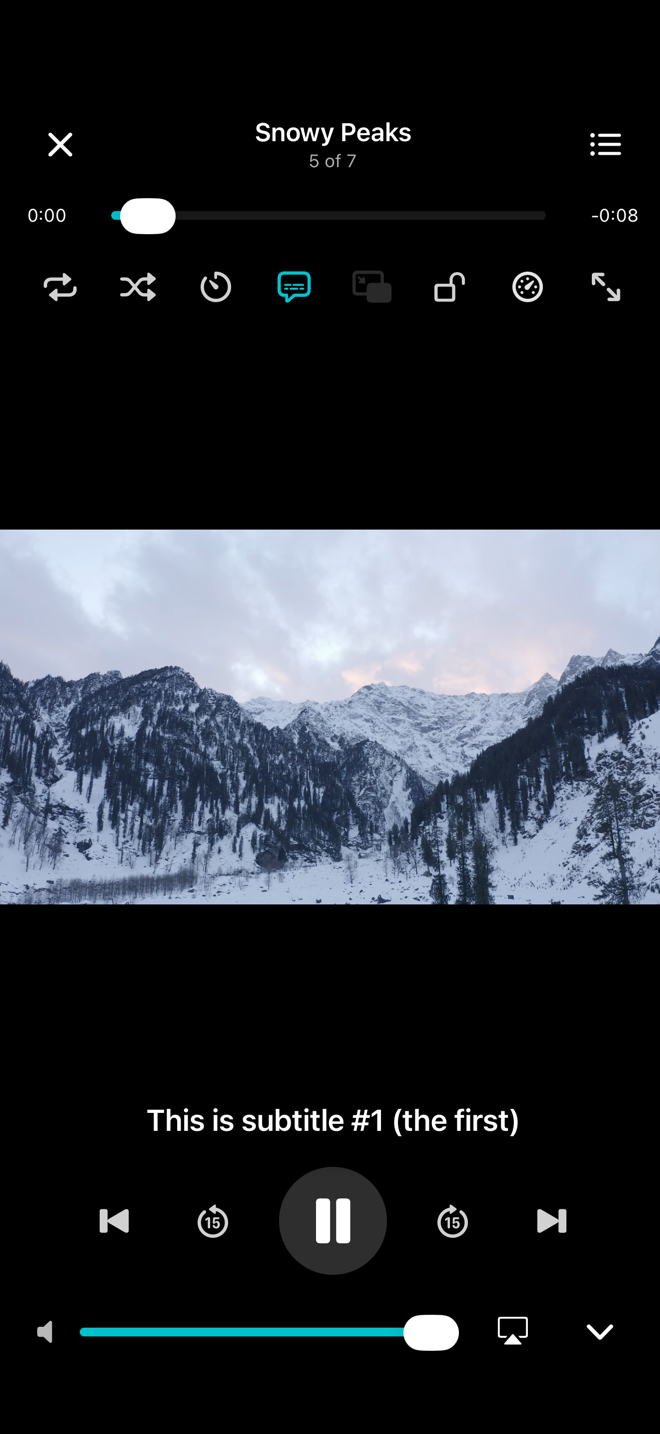
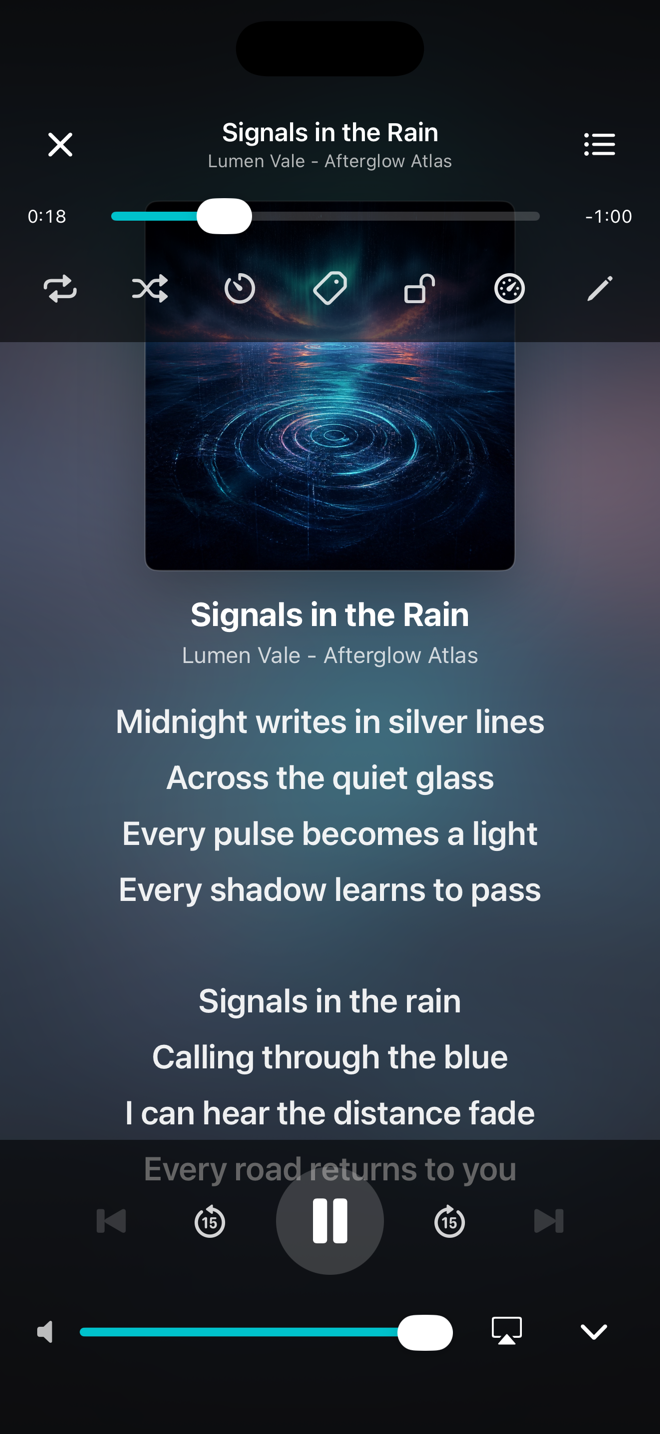
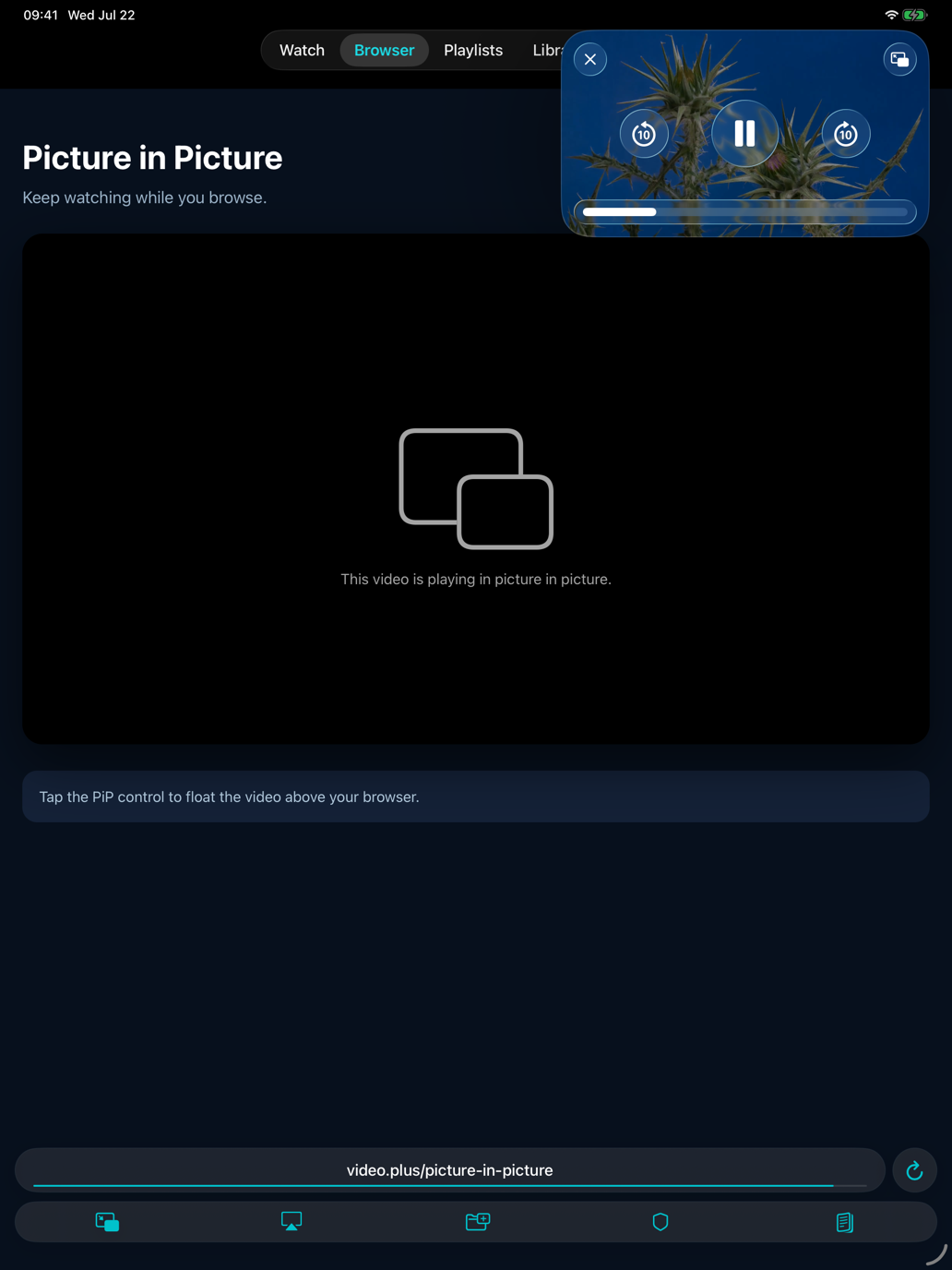
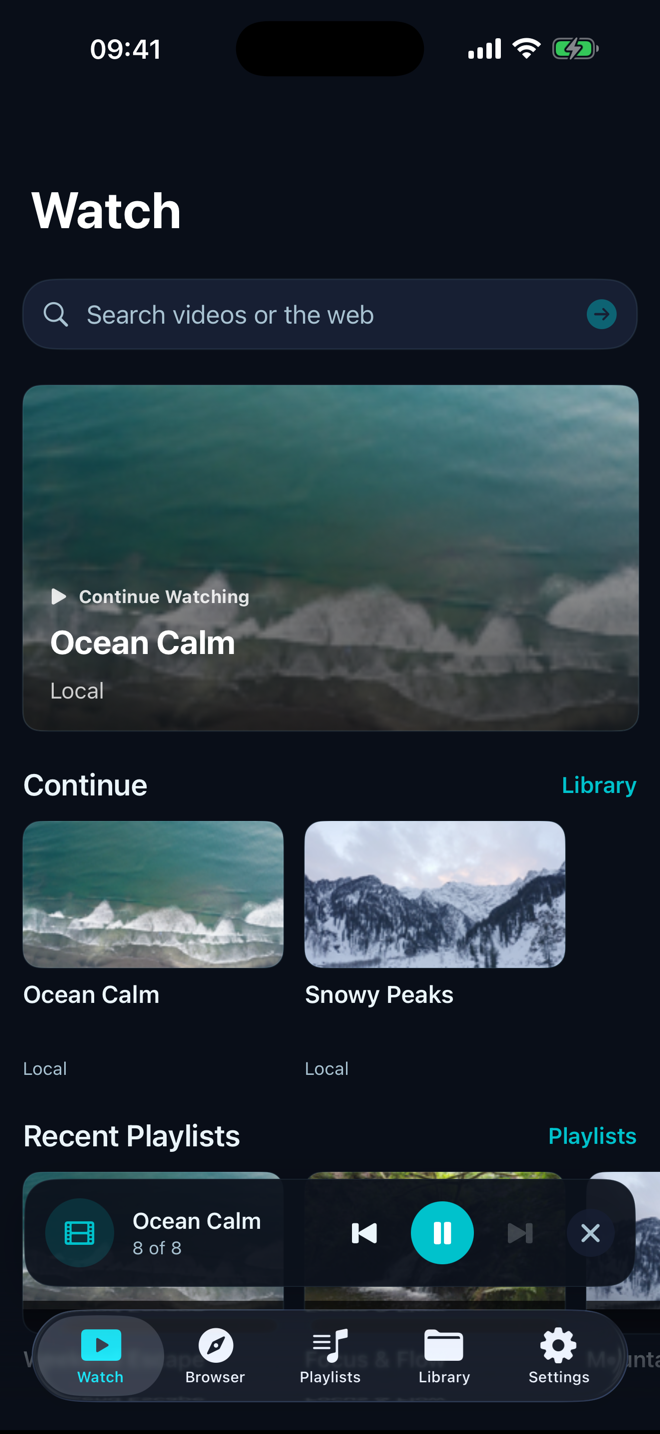
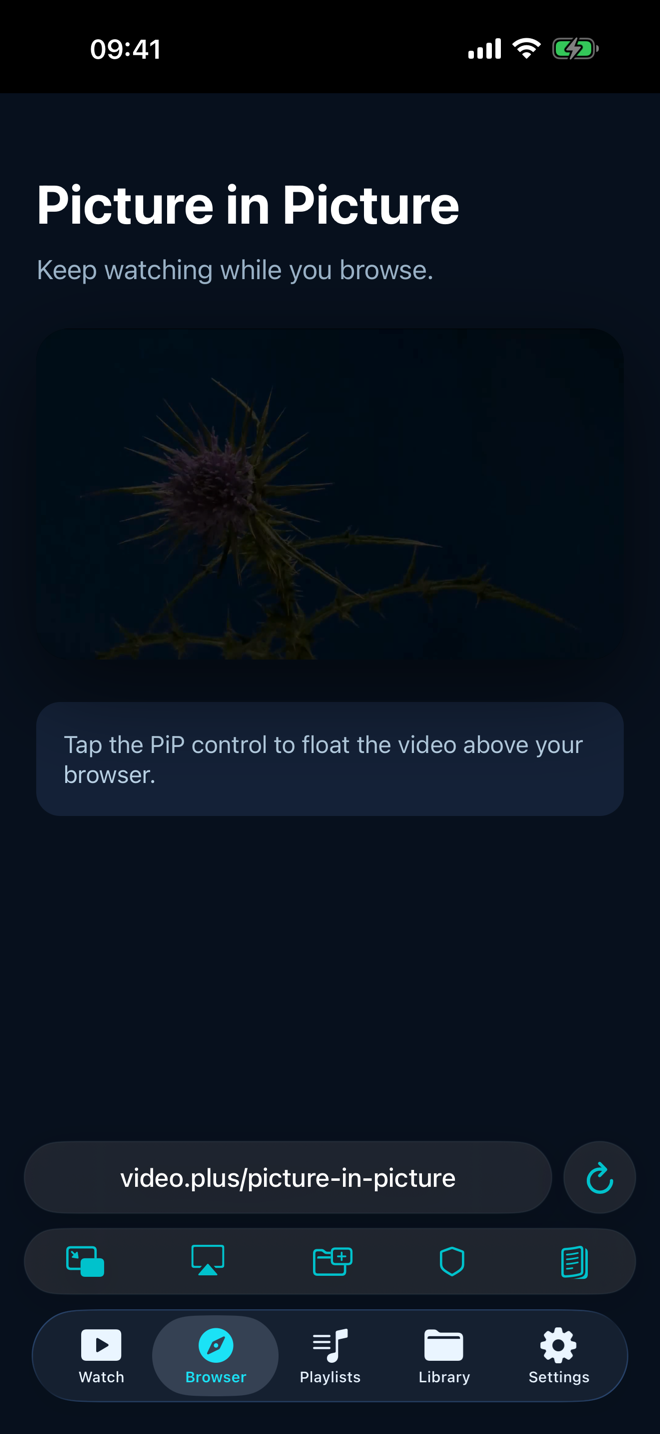
Move video into Picture in Picture while you use another app, keep audio playing in the background, or collapse playback into the in-app mini player while you organize what comes next.
Import from Files, Photos, or other apps. Connect supported cloud drives and your own SMB, NFS, SFTP, WebDAV, HTTP(S), or DLNA server. Stream authorized media or keep a local copy for offline playback.
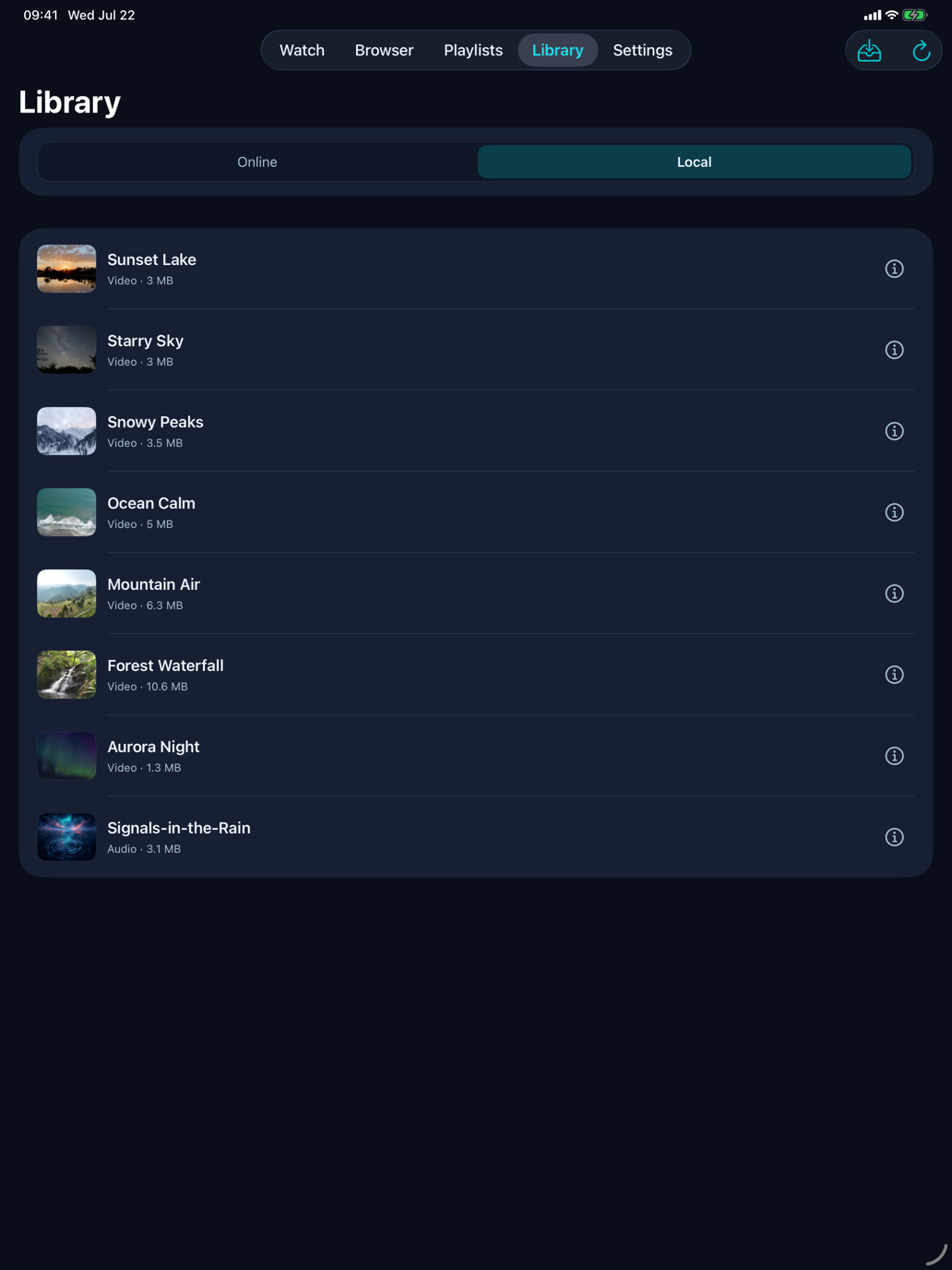
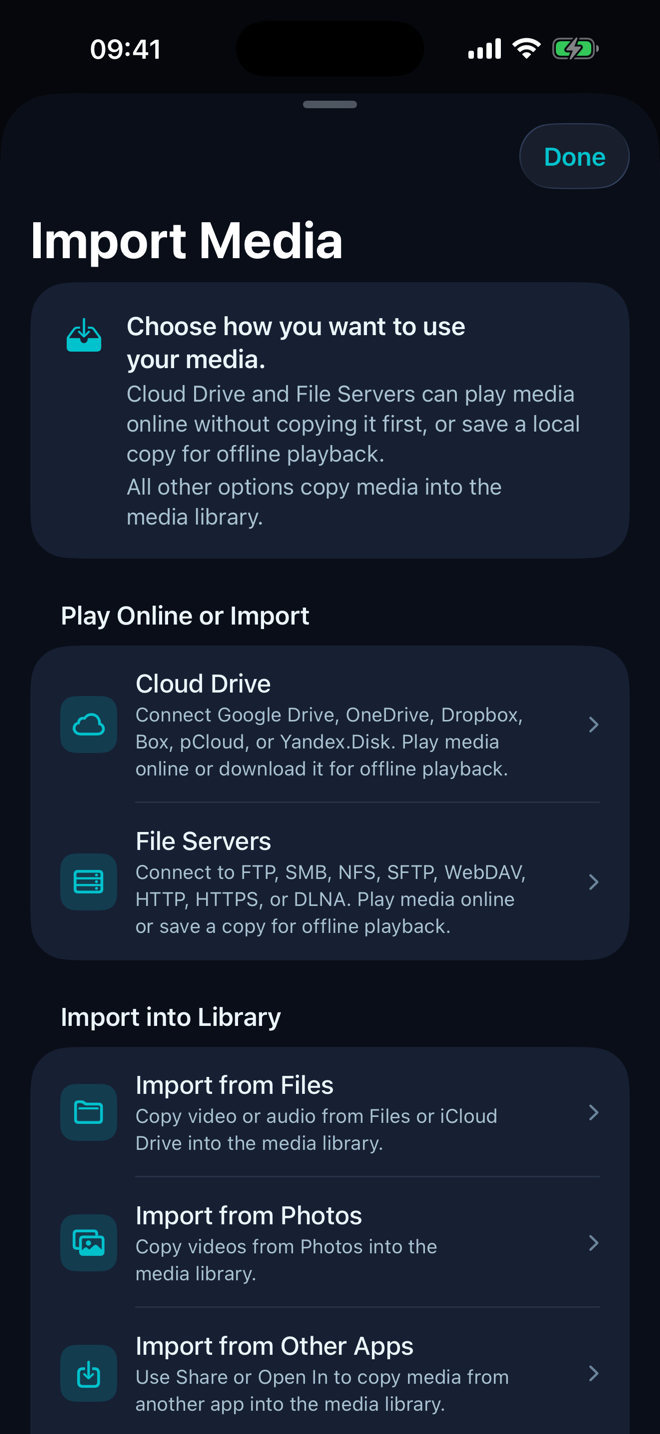
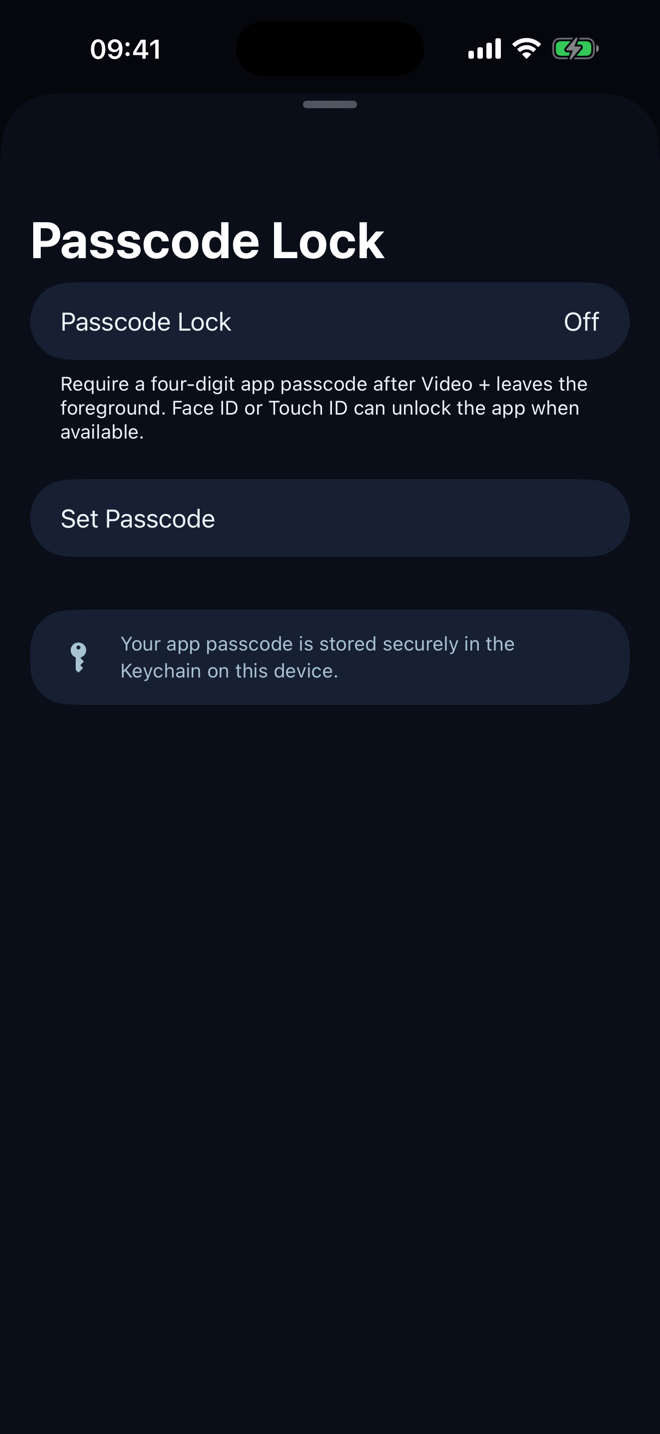
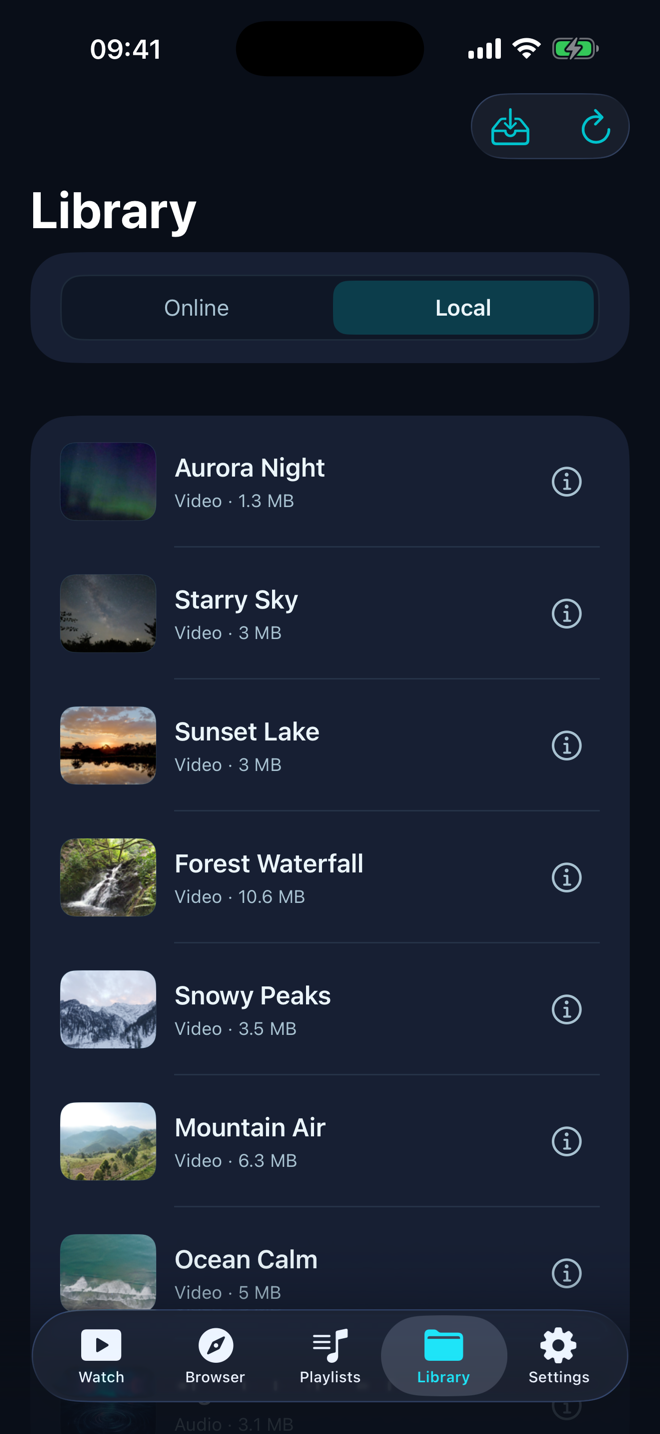
Build a library that remembers how you watch without turning it into an account. Group video and music into playlists, then add an app passcode when your collection needs another layer of privacy.
Create, reorder, shuffle, and repeat collections from across your library. Artwork mosaics make each playlist recognizable at a glance.
Require a four-digit app passcode after Video + leaves the foreground. Face ID or Touch ID can unlock it when available, and the passcode stays in the device Keychain.
Each theme changes surfaces, hierarchy, corners, borders, and contrast together. The screenshots show the real interface, including the Dusk Stream theme used for the current App Store presentation.
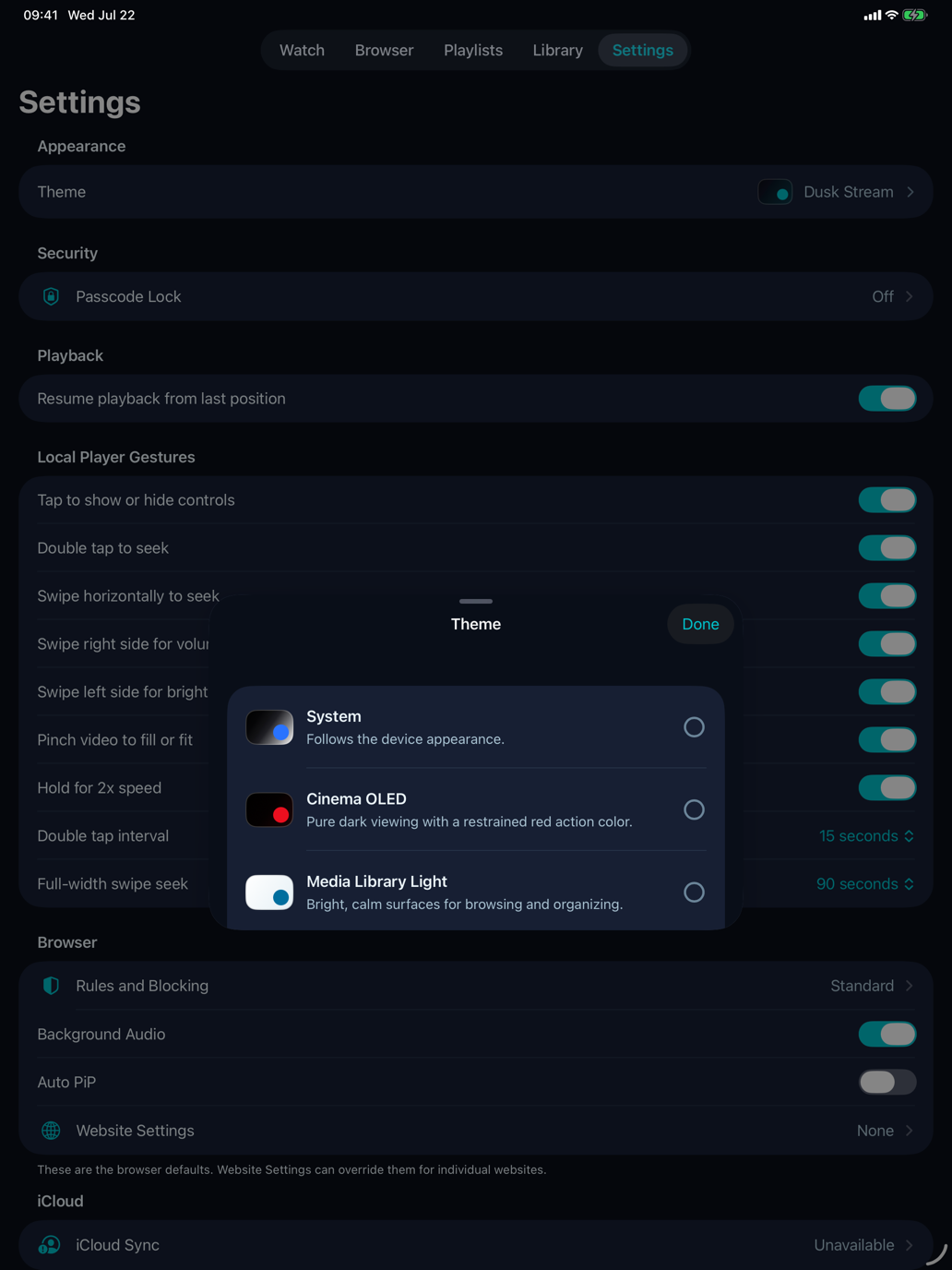
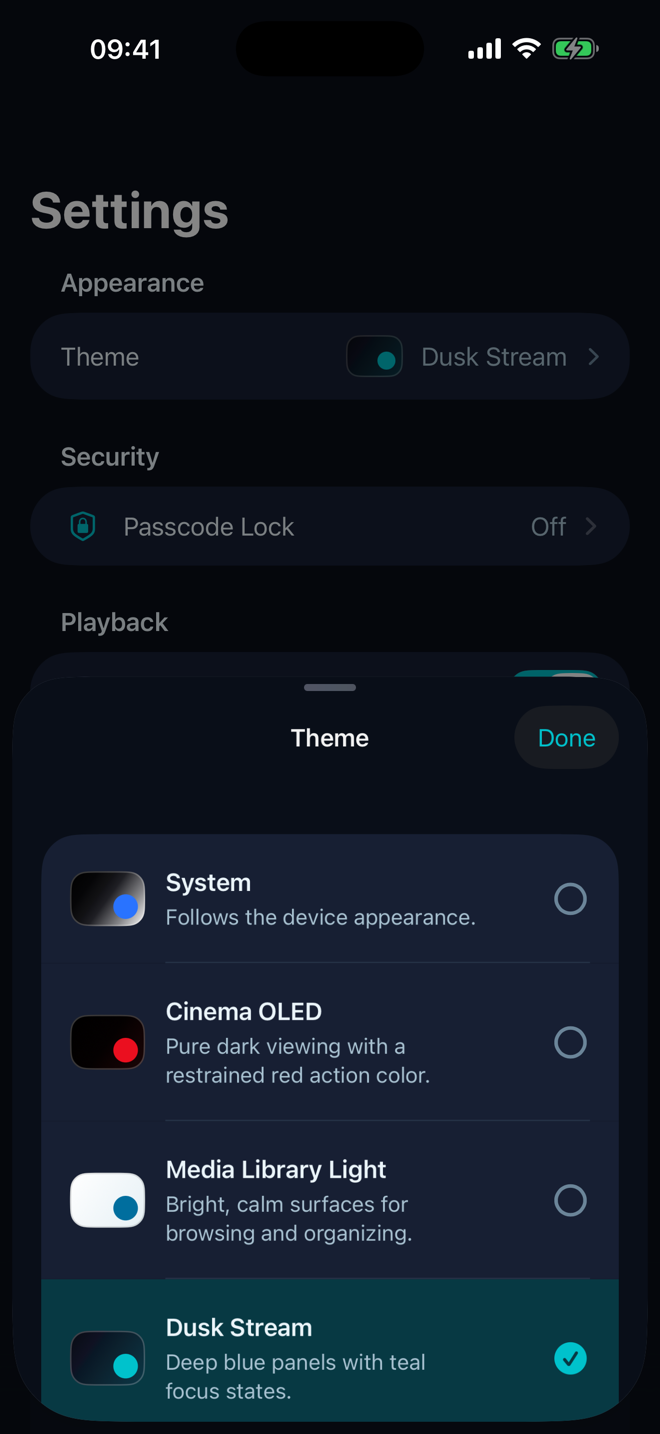
Every screen below is a real iPhone Simulator capture from the current App Store submission workflow. The interface has not been redrawn, stretched, or replaced with a concept mockup.
Real submission-build screenshots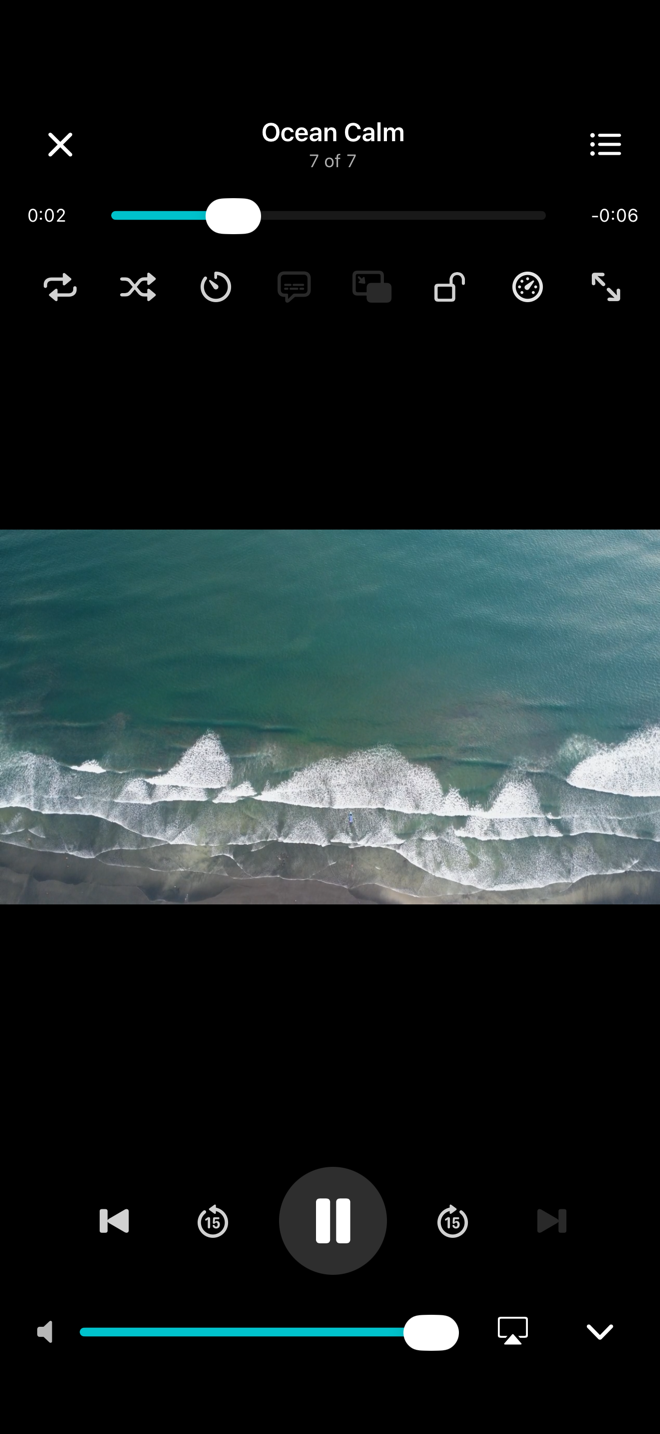
Local media and playback progress are managed on your device. Network features and advertising in the free version involve third parties, with details in our Privacy Policy.
Give the web back to video.